
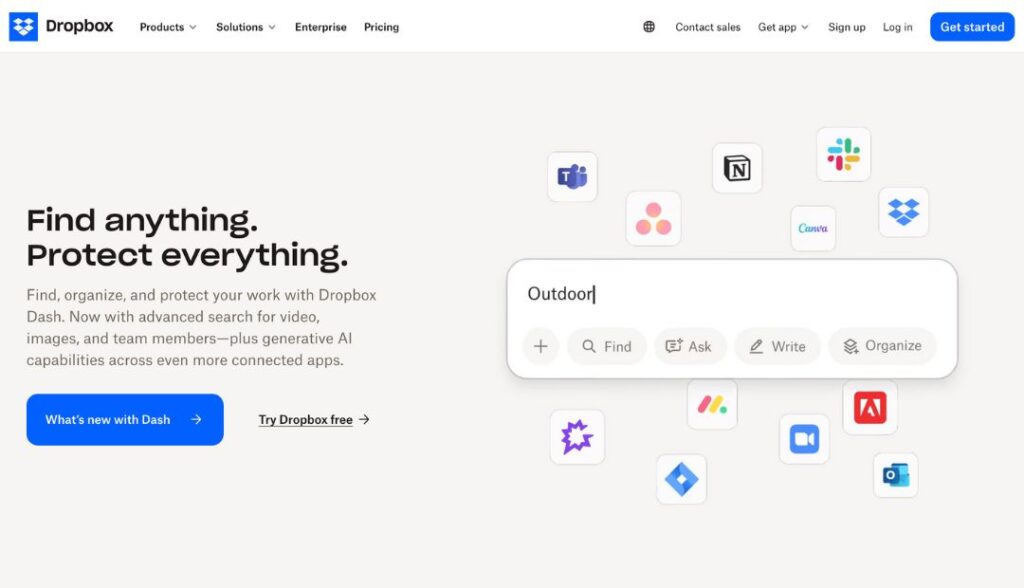
Dropbox: Simplifying File Storage, Sharing, and Collaboration
Dropbox remains one of the most trusted and user-friendly cloud storage solutions available. Since its launch, Dropbox has transformed how people store, share, and collaborate on files, empowering millions to work smarter from anywhere.
The Origins of Dropbox
Dropbox was founded in 2007 by Drew Houston and Arash Ferdowsi, two MIT students who were frustrated with constantly forgetting their USB drives. Determined to find a better solution for file access and storage, they created Dropbox — a cloud-based platform that would let users save files online and access them from any device.
What started as a simple idea to “keep your stuff safe and in sync” quickly became a global phenomenon, leading the way in cloud storage technology. By 2008, Dropbox had officially launched and gained attention for its simplicity and reliability. Today, Dropbox serves hundreds of millions of users worldwide and remains a leader in the productivity and remote work space.
How Dropbox Works
At its core, Dropbox allows users to store files in the cloud and access them from any computer, smartphone, or tablet. Once installed, Dropbox creates a folder on your device that automatically syncs with the cloud. Any file added to that folder is backed up online and instantly available on your other devices.
This seamless syncing means you can start editing a presentation on your laptop, review it on your phone while commuting, and share the final version with your team — all without worrying about losing changes or sending endless email attachments.
Key Features of Dropbox
Dropbox has evolved far beyond simple file storage. It now offers a range of powerful tools and integrations designed to improve productivity, collaboration, and security. Here are some of its most important features:
- Cloud Storage & Syncing – Store and sync files automatically across all devices, ensuring your content is always up to date.
- Smart Sync – Access all your files directly from your desktop without taking up local hard drive space.
- File Sharing & Permissions – Share files and folders securely using custom permissions, view-only links, and password-protected URLs.
- Dropbox Paper – Collaborate in real-time using Dropbox’s built-in document editor for brainstorming, note-taking, and project planning.
- Version History & File Recovery – Restore deleted files or recover previous versions for up to 180 days, depending on your plan.
- Offline Access – View and edit important files even without an internet connection — changes sync automatically once you’re back online.
- Team Collaboration Tools – Use shared team folders and admin controls to organize content, manage users, and monitor activity.
- Third-Party Integrations – Seamlessly connect Dropbox with apps like Google Workspace, Slack, Zoom, Trello, and Microsoft 365.
- Advanced Security – Enjoy features like two-factor authentication, encrypted file transfers, and ransomware protection.
- Dropbox Sign (formerly HelloSign) – Send, sign, and manage legally binding eSignatures directly within Dropbox.
These features make Dropbox a complete digital workspace — not just a storage platform.
Dropbox for Business and Teams
For organizations, Dropbox Business enhances collaboration while maintaining top-tier security and administrative control. It allows teams to share files easily, manage access rights, and track document activity. The combination of centralized file management and real-time syncing keeps everyone aligned and productive.
Whether you’re a startup, agency, or large enterprise, Dropbox offers scalable solutions tailored to your workflow.
Security and Reliability
Dropbox has built its reputation on trust and reliability. Files are encrypted both in transit and at rest, ensuring data privacy. Regular backups, redundant storage systems, and advanced infrastructure guarantee your files are safe even in the event of system failures. Dropbox also complies with major privacy standards like GDPR and ISO certifications, making it suitable for both personal and professional use.
Why Dropbox Remains Essential
Even with growing competition in the cloud storage market, Dropbox continues to lead because of its intuitive interface, advanced features, and seamless user experience. It bridges the gap between file storage, collaboration, and workflow automation, helping individuals and teams stay productive anywhere.
From a simple student project to one of the most recognized cloud platforms in the world, Dropbox has reshaped how we manage and share information. For anyone looking to simplify their digital life, Dropbox remains a powerful, reliable, and secure solution.